 JikuDeck

JikuDeck for read-it-later
Stop saving links. Start keeping ideas.
Your read-later list has hundreds of articles you'll never open. JikuDeck is a free iPhone app that saves articles, newsletters, and YouTube videos as visual cards with a note on why they matter, then helps you keep the idea once you've read them.
- Share from Safari or any app
- YouTube details fill in automatically
- No subscription
The problem
Saved for later usually means never.
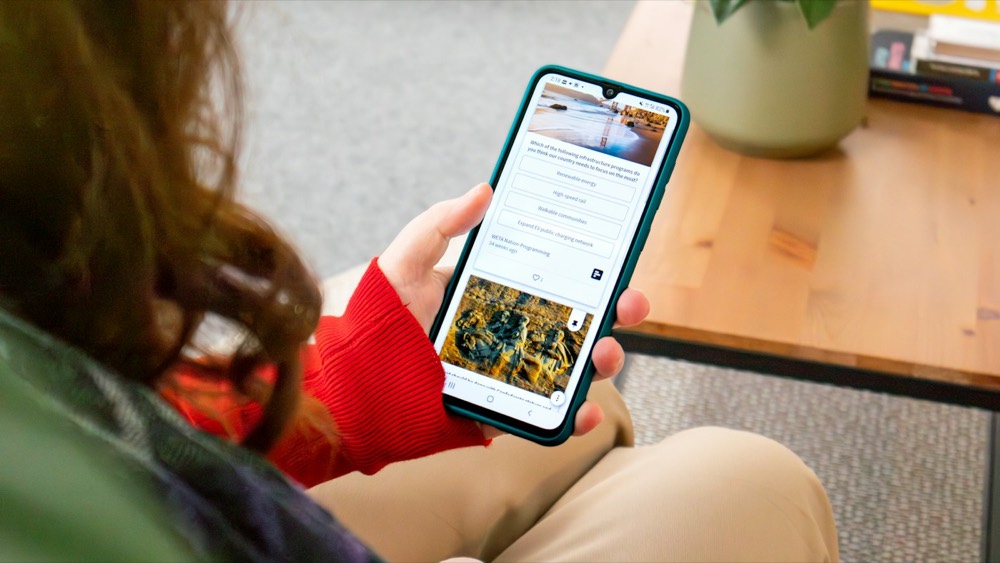
The read-later list only grows
Every save feels productive. Hundreds of saves later, it's a backlog you avoid.
Tabs stay open for weeks
That article you meant to finish is one of forty tabs, and the browser just crashed.

Even what you read fades
You read something great over coffee, and by lunch you can't remember the point.
How it works
From link to card in three steps
-
1
Share it to JikuDeck
Tap share in Safari, YouTube, or any app and pick JikuDeck from the iOS share sheet. Copying a link and pasting from the clipboard works too.
-
2
Note why you saved it
Add a line on what caught your eye or what to look for. The link stays attached, and for YouTube videos the channel, video, and platform fill in automatically.
-
3
Come back and keep the idea
Quick search and the Home Screen widget bring the card back when you have time. Once you've read it, edit the card with your takeaway.

Tip
What makes a read-later card useful
Save the reason now. Add the takeaway after you read.
Read for: our docs are too abstract. Takeaway: start every doc with a real bug, then the principle.
- 1
Why you saved it
One line on what caught your eye, so future you knows whether it's still worth opening.
- 2
What to look for
Point to the part that matters, like a section, a chart, or a moment in the video.
- 3
The link as the source
Tap through when you're ready to read. For YouTube, the channel and video fill in for you.
- 4
The takeaway, once you've read it
Edit the card with the one idea worth keeping. Now it's a card, not another bookmark.
Compared
Why cards beat bookmarks and backlogs
| Capability | Bookmarks and open tabs | A read-later list | JikuDeck |
|---|---|---|---|
| Saves why it matters, not just the link | NoJust the link | PartlyHighlights, if you read it | Yes |
| Easy to scan later | NoTitles only | PartlyA long list of articles | YesOne idea per card |
| Find by source, creator, or tag | PartlySearch by title | PartlyVaries by app | Yes |
| Brings ideas back on its own | No | PartlySome apps send digests | YesHome Screen widget |
FAQ
Questions about saving articles and videos
Can I save articles from Safari to JikuDeck?
Yes. Tap the share button in Safari or any app, choose JikuDeck, and add a note on why you're saving it. The link is saved with the card so you can open the full article later.
Can I save YouTube videos to JikuDeck?
Yes. Share a video from the YouTube app or Safari into JikuDeck. The channel, video, and platform details fill in automatically, so you only need to add why you saved it.
Is JikuDeck a read-later app?
Partly. You can save links from Safari or YouTube with a note on why you saved them, and quick search and the Home Screen widget bring them back. JikuDeck doesn't store the full article for offline reading. Once you've read it, add your takeaway to the card, so your deck fills with ideas instead of a backlog.
How many cards can I save for free?
The free version holds up to 50 cards. JikuDeck Pro is a one-time $6.99 purchase for unlimited cards. There is no subscription.
Do I need an account?
No. There is no account, email, or login. Your cards are stored locally on your iPhone.
Your next great read deserves more than a bookmark.
Download JikuDeck free for iPhone and keep the ideas, not the backlog.
Download on theApp Store