 JikuDeck
Retrieval beats rereading. Close the book and quiz yourself at the end of every chapter.

JikuDeck for readers
Keep what you read, one card at a time.
You finish a great book, and a month later you can barely name three ideas from it. JikuDeck is a free iPhone app that turns book highlights and lessons into visual cards you can find again and actually remember.
- Works with paper books and ebooks
- No account needed
- No subscription
The problem
Your best book notes are scattered and forgotten.

Highlights stay in the book
Underlined passages sit on a shelf or in an ebook you'll never reopen.

Notes turn into walls of text
One long document per book, and the single idea you need is buried in the middle.

Out of sight, out of mind
Notes you never see again don't change how you think or act.
How it works
From page to card in three steps
-
1
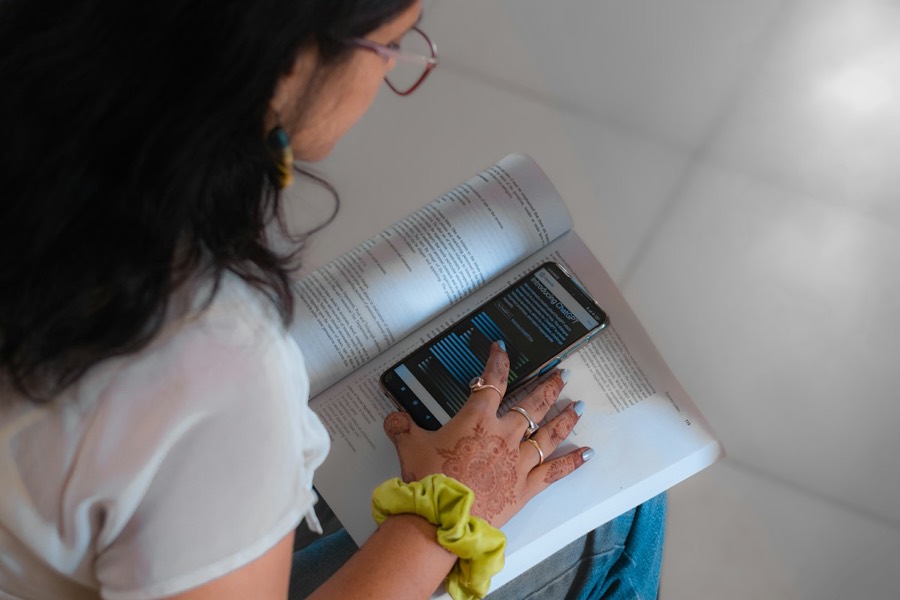
Capture the idea
Snap the page, dictate a thought, or type it. One idea per card, in a few seconds, without leaving your reading flow.
-
2
Label it
Add the book and author as the source and a tag for the theme, like habits, leadership, or writing.
-
3
Find it and see it again
Search by words, book, author, or tag when you need an idea. The Home Screen widget shows a random card each day so it sticks.
Tip
What makes a book card stick
A great card is short, personal, and points back to where it came from.
Make the good habit the easy one. Put the guitar stand next to the couch.
- 1
One idea, in your words
Rewriting a passage in your own words is what makes it yours.
- 2
A concrete action
Turn the lesson into something you could do tomorrow.
- 3
Book and author as the source
So you can search "Atomic Habits" and see every idea from it.
- 4
A tag for the theme
Group ideas across books, like everything you've learned about habits.
Example deck
A reading year, at a glance
Six books, six ideas worth keeping. This is what a reader's deck looks like in JikuDeck.
Make the good habit the easy one. Put the guitar stand next to the couch.
Ask customers about what they did last time, not what they would do someday.
Schedule long, interruption-free blocks for hard work, and protect them like meetings.
Slow down for decisions that matter. Your fast, intuitive mind is confident but often wrong.
The first draft is for you. Rewrite with the reader in mind.
Compared
Why cards beat highlights and long notes
| Capability | Highlighting in the book | A notes document | JikuDeck |
|---|---|---|---|
| Captures your own takeaway | NoJust the author's words | Yes | Yes |
| Easy to scan later | NoFlip through pages | PartlyLong paragraphs | YesOne idea per card |
| Find by book, author, or tag | No | PartlyKeyword search | Yes |
| Brings ideas back on its own | No | No | YesHome Screen widget |
FAQ
Questions from readers
Can I save notes from paper books, not just ebooks?
Yes. Take a photo of the page with the JikuDeck camera, or type or dictate the idea. Each photo becomes a card, so a paper book works the same way as an ebook.
What should I write on a book card?
One idea per card, written in your own words, ideally with a small action you could take. Add the book and author as the source and a tag or two for the theme. Short cards are easier to scan and easier to remember.
How many book notes can I save for free?
The free version holds up to 50 cards. JikuDeck Pro is a one-time $6.99 purchase for unlimited cards. There is no subscription.
Do I need an account to use JikuDeck for book notes?
No. There is no account, email, or login. Your cards are stored locally on your iPhone.
Your next book deserves more than a highlight.
Download JikuDeck free for iPhone and start a deck for what you read.
Download on theApp Store