 JikuDeck
Ship the smallest version that teaches you something.

JikuDeck for conferences and talks
Leave every conference with ideas, not just swag.
Two days of great talks, and a week later all that's left is a camera roll full of slides. JikuDeck is a free iPhone app that turns talks, slides, and hallway conversations into visual cards you can find again and actually use.
- Snap slides as photo cards
- No account needed
- No subscription
The problem
Great talks, forgotten by Monday.
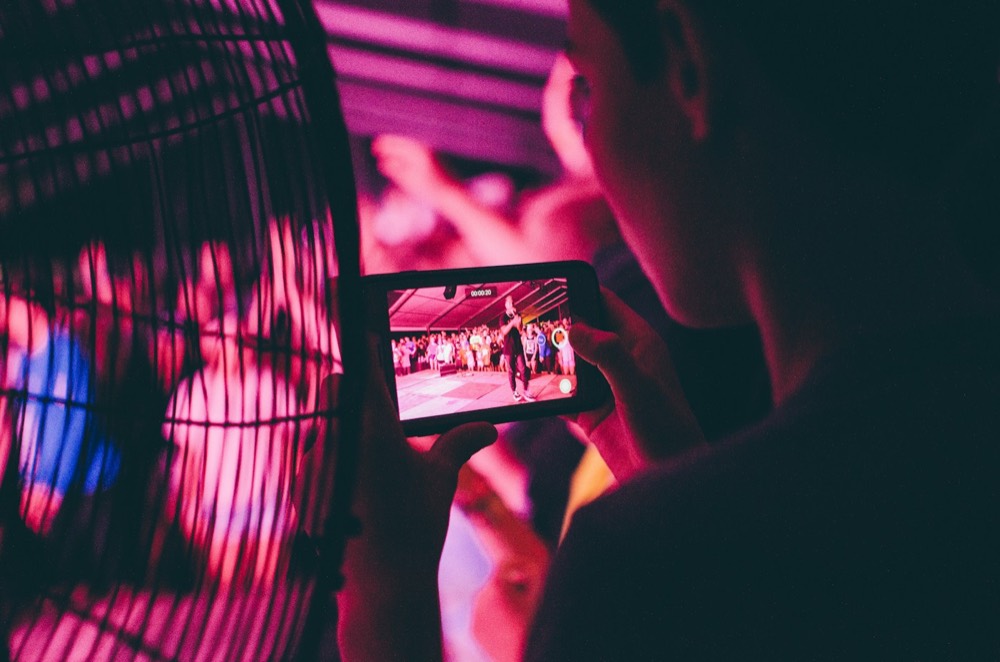
Slides get lost in your camera roll
Dozens of slide photos mixed in with everything else, and no note on why you took them.

Notes turn into fragments
Half-sentences typed between sessions that make no sense a week later.

Back at work, it's all gone
The ideas that fired you up never make it into how you work.
How it works
From talk to card in three steps
-
1

Snap the slide
Take a photo of the slide or stage with the JikuDeck camera and add your takeaway in a sentence. Or type it, or dictate it on your way out of the room.
-
2
Label it
Add the talk or event as the source, the speaker, and a tag for the theme, like product, leadership, or design.
-
3
Find it and see it again
Search by event, speaker, tag, or date range to pull up the whole conference. The Home Screen widget brings a card back each day, long after the event.
Tip
What makes a talk card useful
Capture the idea and its context, so it still makes sense months later.
The room remembers stories, not slides. Open my next pitch with a customer story.
- 1
One takeaway, in your words
Not a transcript. The single thing you'd tell a colleague about the talk.
- 2
What you'll do with it
Turn it into a next step, so the talk actually changes something.
- 3
The talk as the source
Event, session, and speaker, so you can find every idea from that day.
- 4
A photo of the slide
The visual brings the moment back instantly when you see the card again.
Example deck
One conference, six cards worth keeping
Keynotes, workshops, and hallway chats. This is what a conference looks like in JikuDeck.
Every metric needs an owner, or no one will act on it.
Ask for feedback on one specific thing, not “any thoughts?”
Write the launch announcement before you build the feature.
Your demo will break. Rehearse the recovery, not just the happy path.
Design for the tired user at 11pm, not the fresh one at 9am.
Compared
Why cards beat a camera roll full of slides
| Capability | Photos in your camera roll | A notes document | JikuDeck |
|---|---|---|---|
| Keeps the slide and your takeaway together | PartlyPhoto, but no context | PartlyText, photos get buried | Yes |
| Find by event, speaker, or tag | NoScroll by date | PartlyKeyword search | Yes |
| Easy to scan later | NoMixed in with everything else | PartlyLong notes | YesOne idea per card |
| Brings ideas back on its own | PartlyOccasional Memories | No | YesHome Screen widget |
FAQ
Questions from conference-goers
Can I save photos of conference slides?
Yes. Snap the slide with the JikuDeck camera or add a photo you already took, then write the takeaway on the same card. The photo and your note stay together, instead of the photo getting lost in your camera roll.
How do I keep notes from different talks organized?
Add the event or session as the card's source, the speaker as the creator, and a tag for the theme. Later you can search by event, speaker, tag, or date range to pull up everything from a single talk or the whole conference week.
Can I capture ideas quickly during a talk?
Yes. Each card holds one idea, so capturing takes seconds: snap the slide or type a sentence during the talk, or dictate a thought on your way to the next session.
How many conference notes can I save for free?
The free version holds up to 50 cards. If you attend a lot of events, JikuDeck Pro is a one-time $6.99 purchase for unlimited cards. There is no subscription.
Do I need an account?
No. There is no account, email, or login. Your cards are stored locally on your iPhone.
Your next conference deserves more than a camera roll.
Download JikuDeck free for iPhone and bring the best ideas home.
Download on theApp Store